

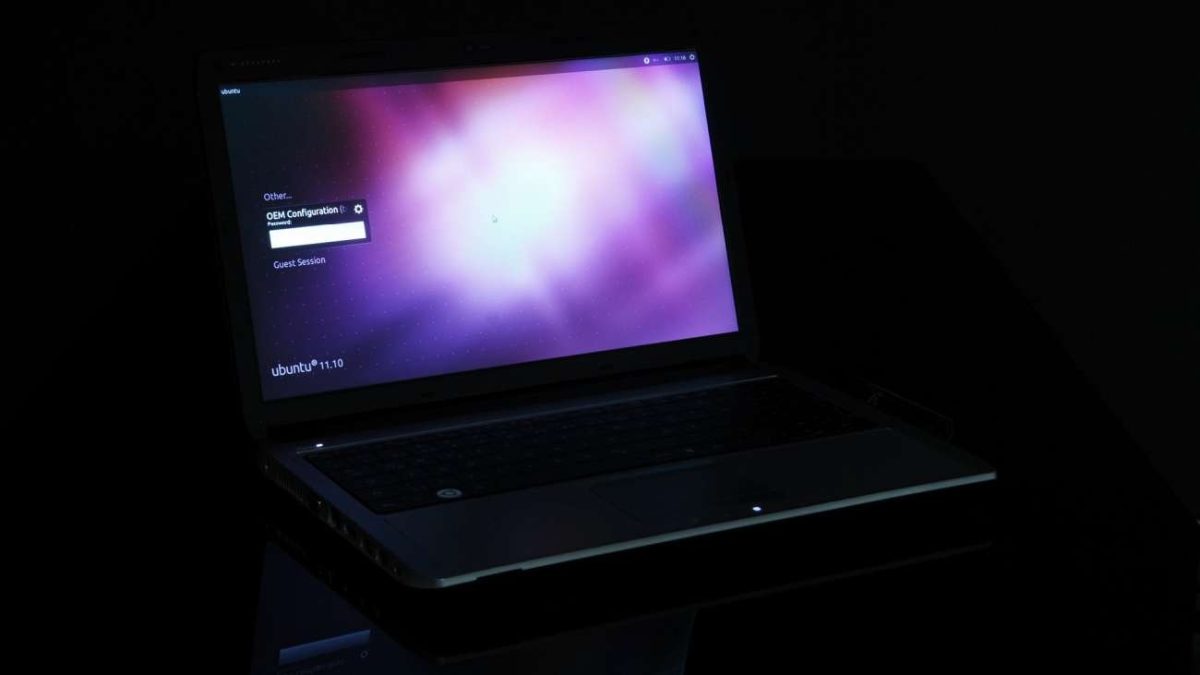
I remember the first time I tried to bring Linux into my daily Windows setup. I had that familiar mix of curiosity and caution. You probably know the feeling. One half of your brain wants the cool command line tools, the fast package installs and the little thrill of learning something new. The other half wants your laptop to keep behaving like your laptop.
That tug-of-war stayed with me for a long time. I liked Windows because it held my everyday life together. My browser tabs were there, my apps were where I expected them and all the little routines I built over time kept me moving. At the same time, every developer guide and hobby project seemed to gently point me toward Linux. After enough of those moments, I started looking for a middle path.
The thing is, most people do not wake up wanting to repartition a drive for fun. Most people want to try a tool, finish a project, or see what the fuss is about. I have sat next to friends who were excited about Linux right up until the conversation turned into boot menus, storage planning, or whether a machine would behave after a restart. The excitement faded fast. That is why Ubuntu on WSL makes so much sense to me.
Once I spent real time with WSL, the appeal clicked. Microsoft says Windows Subsystem for Linux lets you run a Linux environment directly on Windows and its current install flow uses Ubuntu as the default distribution. That single choice explains a lot of the momentum. You get a familiar entry point, a huge library of Linux how-tos and a setup that feels close to ordinary computer use.
I’ll be honest, I love any tech change that removes drama from the setup process. Some upgrades demand a full evening and a backup plan. WSL feels calmer. Microsoft’s documentation explains that supported Windows systems can install it with the wsl – install command and that smooth path changes who is willing to give Linux a try.
That is why a headline about Ubuntu taking off with Windows users feels believable to me. It lines up with how people actually use their computers. You keep the machine you know, then layer in the tools you have been curious about. For a lot of people, that is the exact recipe that turns interest into a real habit.
1. It Gives You Linux Without Turning Your PC Into a Project
I admit I have a low tolerance for tech chores that arrive before the useful part. If I want to test a Linux command, run a development tool, or follow a tutorial, I want to start doing the thing quickly. I do not want a side quest. When a setup asks for too many decisions up front, even I start postponing it.
That is where WSL feels smart. Microsoft says supported versions of Windows 10 and Windows 11 can install the features needed for WSL with one command and that process installs Ubuntu by default. A cleaner setup path matters because it lowers the amount of risk people imagine before they begin. You are still learning something new, but the first step feels smaller.
Years ago, I watched a friend try a traditional Linux install on a laptop that also handled work, bills and family photos. The entire mood changed the second the storage questions appeared. Nothing had gone wrong yet, but the machine suddenly felt fragile. That emotional shift is easy to miss if you enjoy tinkering. For everyday users, confidence is part of the install process.
WSL trims away setup anxiety because it meets people where they already are. Microsoft describes it as a way to use Linux applications, utilities and Bash command-line tools directly on Windows and it does that without asking you to build a virtual machine or maintain a dual-boot arrangement. That is a huge reason Ubuntu on WSL travels so quickly from tech circles into normal homes and offices.
Sometimes the easiest way to help people learn a new platform is to preserve the rest of their routine. That is the real trick here. WSL gives you a low-friction Linux experience on a computer that already handles your email, browser, chats and documents. Ubuntu adds an even friendlier layer because its commands, packages and help articles are so easy to find.
When I think about why this caught on fast, I come back to momentum. You can go from hearing about Linux to trying Linux on the same day. That speed matters more than people realize. Tech adoption often starts with a tiny window of curiosity and WSL keeps that window open long enough for people to act on it.
2. You Keep Your Windows Routine
There was a stretch when I kept treating operating systems like identity choices. If I wanted Linux tools, I thought I had to commit to a whole Linux life. If I stayed on Windows, I told myself I was choosing convenience over flexibility. Real life turned out to be much less dramatic than that. Most of us just want our computers to help us move through the day with less friction.
WSL fits that reality very well. Microsoft says developers can use Windows and Linux on the same machine and the documentation highlights the ability to run Linux distributions, command-line tools and utilities directly from Windows. That means your regular desktop life stays in place while Linux is available the moment you need it.
I felt this most clearly during ordinary work, not flashy demos. I would have a browser open with too many tabs, a notes app full of half-finished thoughts and a messaging window buzzing in the corner. Then I needed a package manager, a shell command, or a quick Git action. Having Ubuntu inside Windows felt natural because I could reach for Linux tools without breaking the rhythm of the rest of my day.
Your existing Windows habits survive with WSL and that is a big deal. You can still use the apps, settings and shortcuts that make your machine feel familiar. Then you add a Linux environment for the tasks that benefit from it. That kind of hybrid workflow is easier to keep using because it respects the habits you already built.
Canonical’s Ubuntu page leans into this same idea. It presents Ubuntu on WSL as a full terminal environment on Windows and points to uses like web development, cross-platform work, AI and machine learning tools and managing mixed Windows and Linux infrastructure from one workstation. For many people, that is exactly the dream, one computer, more capability.
My favorite part is how normal it all feels after a while. You stop thinking in terms of switching worlds. You start thinking in terms of opening the right tool for the job. That may sound small, but it is what turns a novelty into a routine.
3. It Starts Small, Then Grows With You
I remember beginning with tiny goals. I wanted to follow a tutorial without translating every command into a Windows equivalent. Then I wanted a cleaner shell for a few scripting tasks. Later, I found myself using Linux tools for quick experiments that I would have avoided before because setting up the environment felt like too much effort.
That gradual path is one of the smartest parts of WSL. Microsoft’s documentation says WSL supports a wide range of command-line tools and development stacks, including common Unix tools and languages such as Python, JavaScript, Rust, Go, C, C++ and C#. It also points to Linux graphical apps and GPU acceleration support for some workloads. In plain English, you can begin with simple terminal habits and grow toward heavier workflows on the same foundation.
A beginner-friendly first step often matters more than raw power. Plenty of tech products lose people because the opening move feels too advanced. WSL and Ubuntu do the opposite. They let you start with one practical need, then add more as your confidence grows. That is a healthy learning curve and it mirrors how many people actually build skills.
My colleague once told me that the best software setups are the ones that do not embarrass you for being a beginner. That line stuck with me. Ubuntu on WSL has that quality. You can open a shell, install a package, make a mistake, search for help and try again without feeling like you have rebuilt your whole machine around one experiment.
There is also a strong educational benefit here. When the Linux environment lives close to your daily Windows workflow, you practice more often. A command you only use once every three months never becomes second nature. A command you use three times a week starts to settle into muscle memory. Small, repeatable learning is one reason these setups stick.
And once you outgrow basic commands, the runway is already there. Canonical highlights Ubuntu on WSL for development, containers, AI and machine learning, GUI apps and mixed-environment management. Microsoft also notes that you can install other distributions and manage them through WSL. That gives people room to mature their setup instead of replacing it.
4. Ubuntu Is the Distro I’d Hand to Most First-Time Windows Users
I have a soft spot for tech that knows how to greet people well. A first experience sets the tone for everything that follows. If the first few hours are clear, forgiving and well documented, people keep going. If those hours feel messy, the whole category gets blamed.
Ubuntu is strong at that first impression. Microsoft’s WSL install page says Ubuntu is the default distribution installed by the basic command, which tells you a lot about how approachable it is for new users. The docs also explain that you can choose other distributions later, so Ubuntu often becomes the first stop in a wider Linux journey.
I have seen this play out with friends who were Linux-curious but short on patience. They wanted a setup with enough documentation to survive mistakes. They wanted search results that made sense. They wanted a terminal experience that felt useful on day one. Ubuntu tends to deliver that because there is so much public knowledge around it.
Ubuntu has a huge help advantage. The size of its community, the number of tutorials and the familiarity of its package ecosystem make it easier to recover from beginner confusion. Canonical also describes Ubuntu on WSL as the full Ubuntu experience on Windows, with common editors, repositories and development workflows ready to support that bridge. For a newcomer, that creates a comforting sense that the path ahead is well traveled.
It took me a long time to realize that ease of recommendation is a real technical strength. When I suggest software to someone, I am also thinking about what happens on day three. Will they be able to find answers? Will the instructions line up with what they are seeing on screen? Will they have enough momentum to keep exploring? Ubuntu lowers the odds of a dead end, which is exactly what first-time users need.
There is another practical reason I would hand people Ubuntu first. It pairs well with the kind of experimentation WSL encourages. You can learn package management, terminal navigation, text editing, Git basics and development workflows in an environment with broad support and predictable guidance. That creates a gentle path into Linux skills while keeping the comfort of Windows nearby.
So yes, I understand why Ubuntu on WSL spread so quickly among Windows users. The setup is easy to begin, the daily workflow feels familiar, the learning curve expands at a humane pace and Ubuntu gives new users a strong safety net of guides and community knowledge. Put all of that together and you get a very modern kind of PC flexibility. For anyone who has been curious about Linux while staying loyal to Windows, that combination is hard to ignore.